Unification of Bugster and the AI tab
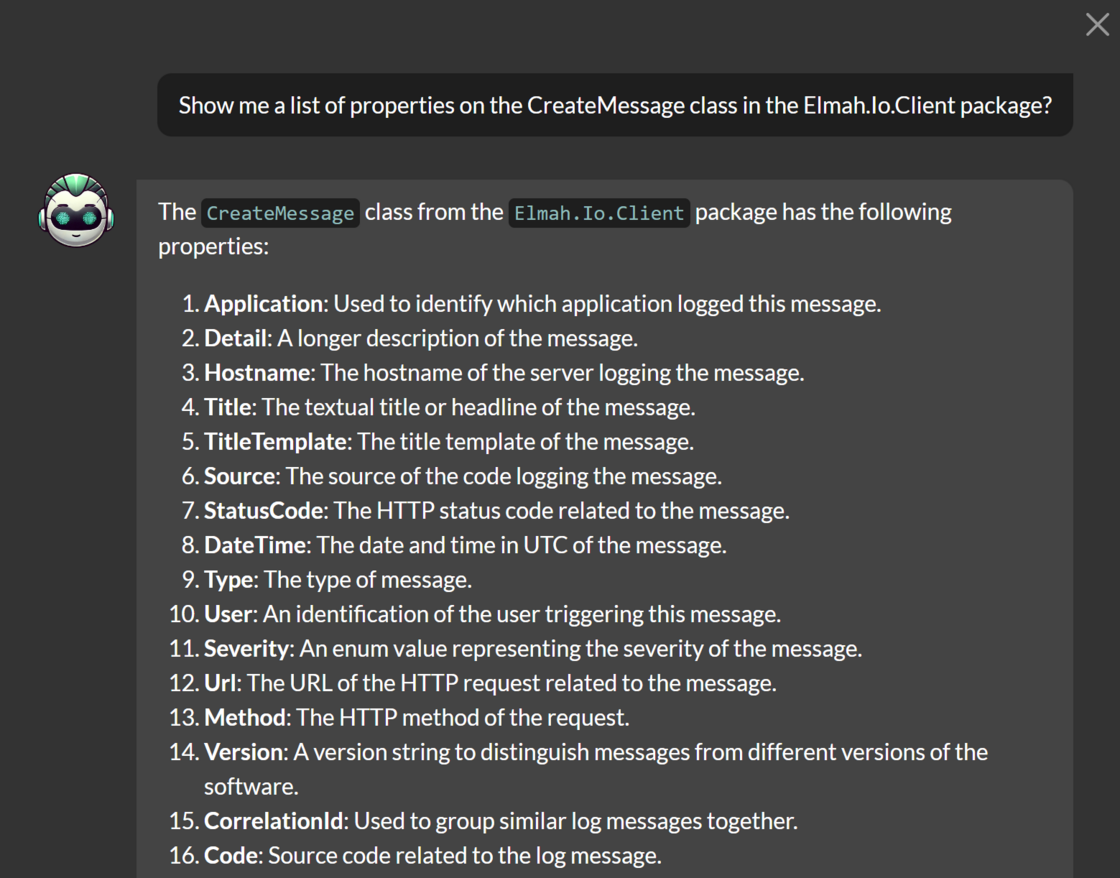
We have started unification of the following AI features on elmah.io: Bugster and the AI tab (shown when installing the ChatGPT app). As of today, both will be named Bugster and available in the top right corner of the app:

You can click the Bugster icon to ask questions about elmah.io, as already known from the previous banner in the left menu and docs.elmah.io. When the ChatGPT app is installed on a log (this will be removed, but more about this later), you can use Bugster to analyze why an error happened and ways to fix it by clicking the new Analyze with Bugster button on the message details:
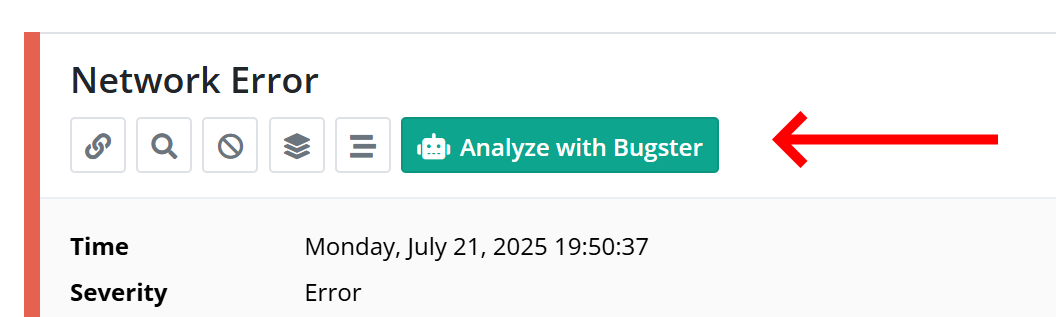
This replaces the AI tab and opens the response directly in Bugster instead.
A common request from those of you who already use the ChatGPT app has been to enable this for all logs, rather than having to install an app per log. We are working on moving the configuration of Bugster to the Organization Settings page. Here, you will be able to configure how Bugster should work across all logs, as well as toggle which data Bugster will have access to.
Without additional configuration, Bugster will not have access to any log data. Furthermore, we don’t use your log data for training Bugster.
Keep an eye on this changelog to get notified when the new configuration is rolled out.