Download request as curl or .http
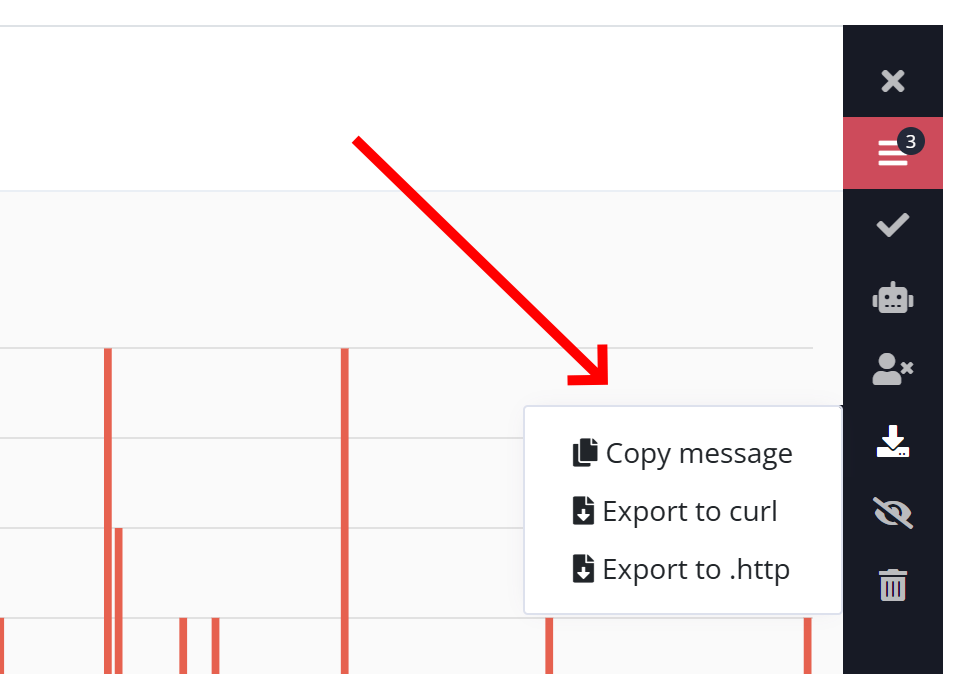
There are two new features available on the log message details: exporting the request causing a log message to a curl or .http file. The options are available below the new Export button on the right side of the details view (we also moved Copy message here).
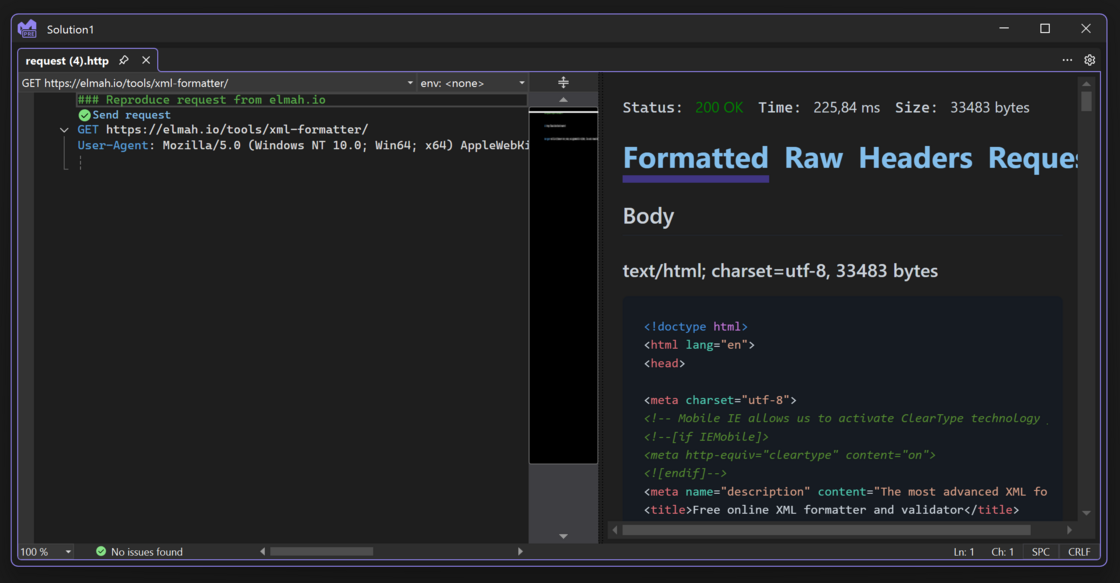
Clicking one of the two export options will download a file for either curl or .http capable tools (like Visual Studio and Visual Studio Code). Using these files, you can re-create the request causing an error, including the headers and body used for the original request. This will allow you to inspect failing endpoints from your local machine 🤠