There’s a new help article explaining how Environments work on elmah.io and how you can manage them. Check out https://docs.elmah.io/managing-environments/ for details.
elmah.io.javascript now supports Internet Explorer 10 and 11. The support has been added by implementing a small fix on the elmah.io API which means that you don’t need to update anything on your end to have client-side errors coming through from IE 10 and 11.
In case you want to ignore these errors, you can add an ignore filter on your log with the following query:
data.isClientside:true && browser:ie
More information has been added to the heartbeat received information message. If the heartbeat was late, you will see for how long and when the heartbeat was expected.

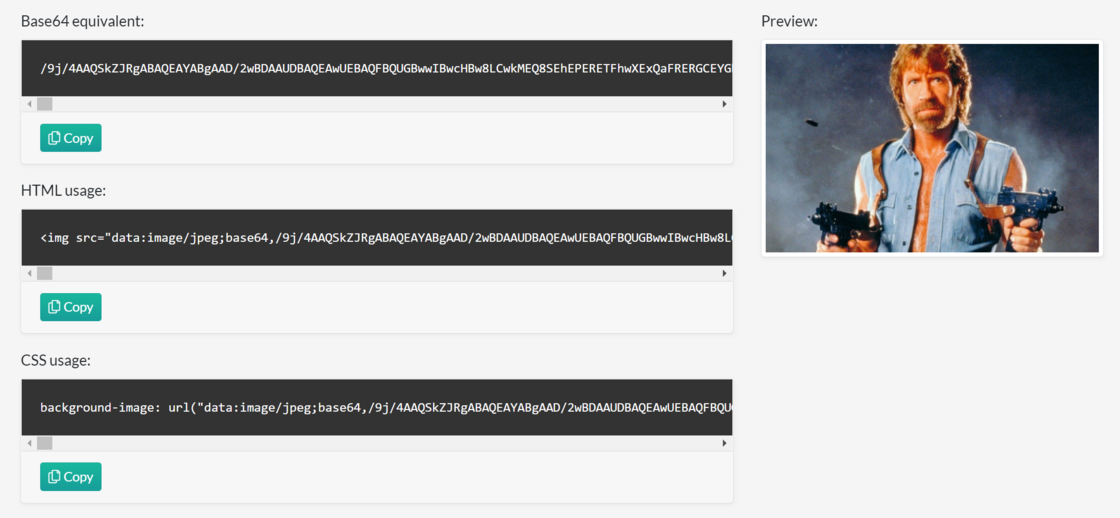
We published yet another free tool: Base64 image encoder. Easily convert images to Base64 strings. There are so many online tools that can do this already, but we wanted to build one that both supports drag and drop, and besides the usual HTML and CSS output also generates XML and JSON.
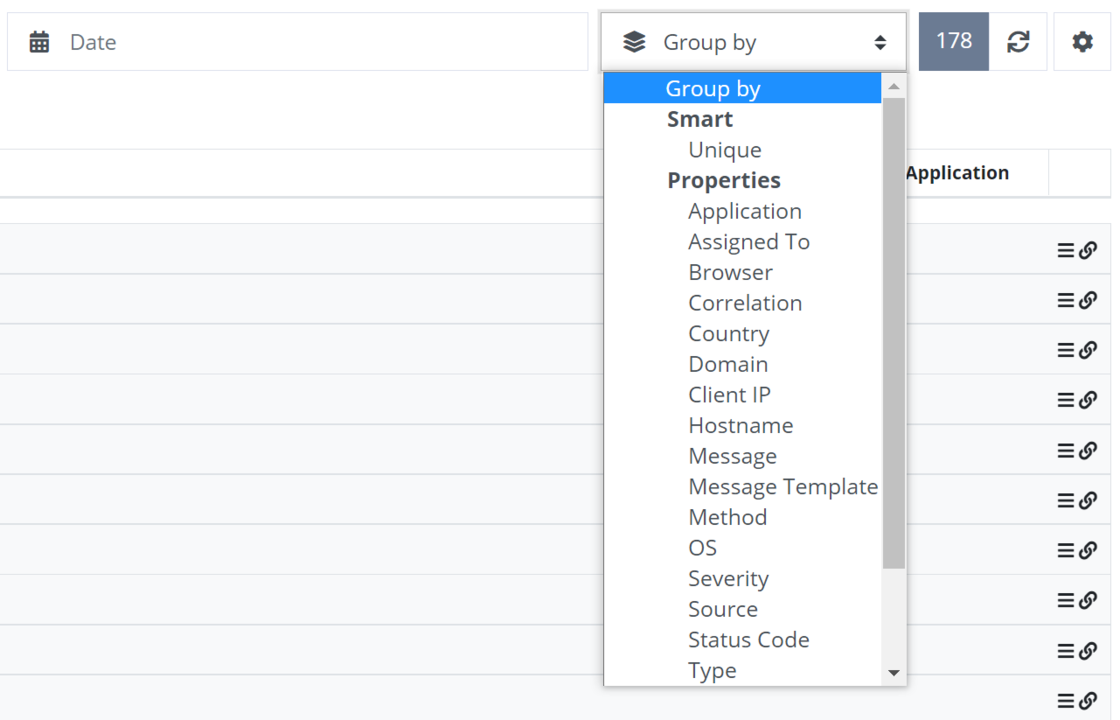
Additional properties have been added to the Group by dropdown on the search page like Domain, Assigned To, and OS.
The selected channel has been added to the Slack app settings page. You still need to re-install the app to pick another channel, but you can see which channel is already configured on existing apps.
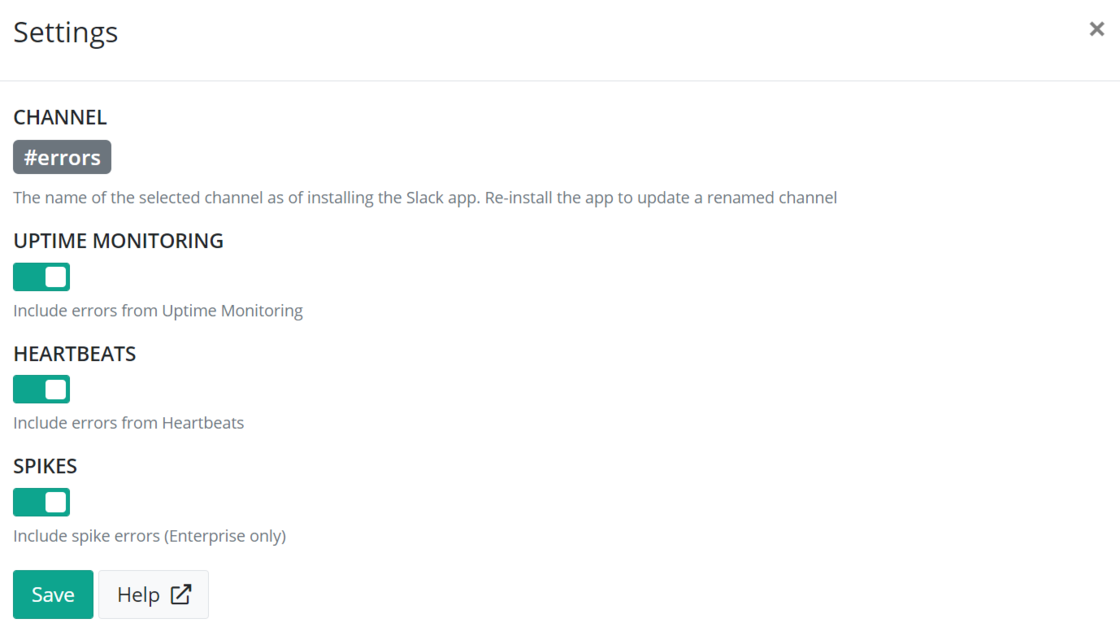
To show the channel on already installed apps, you will need to re-install the app.
We have added three quick link buttons directly on the organization panel on the dashboard:

Difficulties locating the page to manage the subscription, download invoices, and more has been a recurring theme on our support channel, which we hope to address with the new buttons 👍
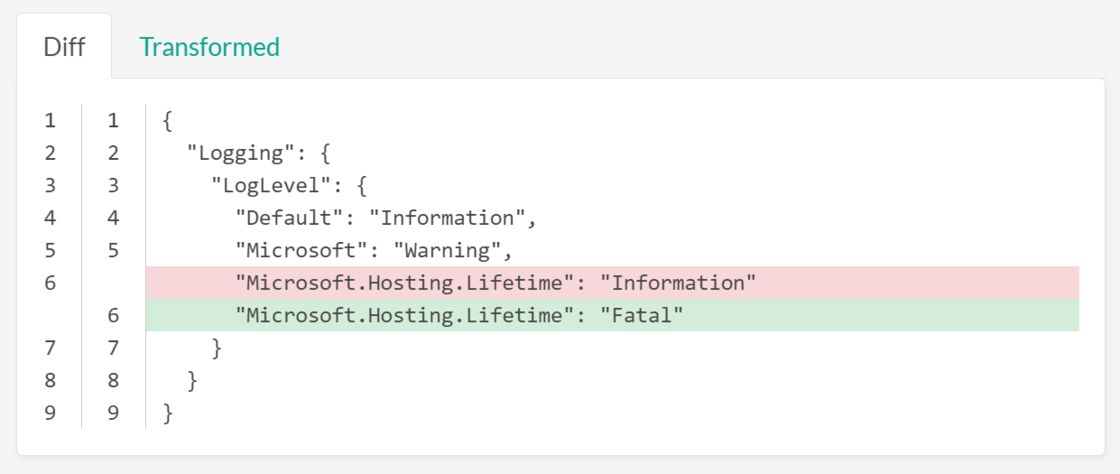
We made yet another free tool to help you in your everyday developer life: The Appsettings.json Transformation Tester. Quickly test the output of your appsettings.json, appsettings.development.json, and appsettings.production.json files in .NET and ASP.NET Core.
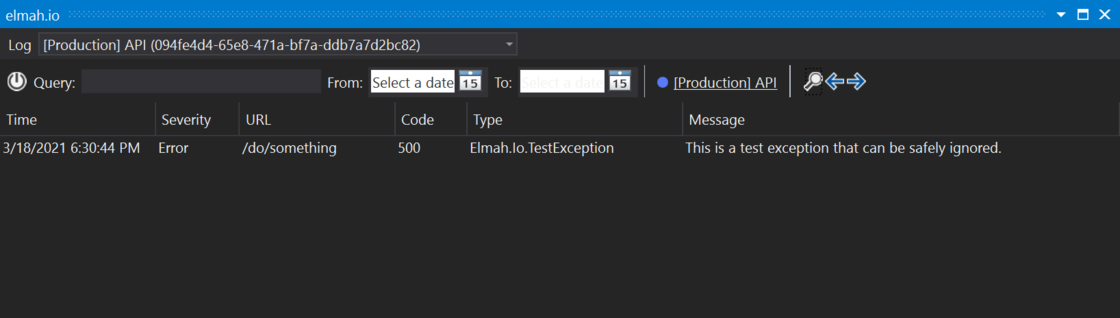
There’s a new version of the elmah.io extension for Visual Studio. The new version contains several improvements:
New uptime check agents have been deployed to the 9 supported regions to make Uptime Monitoring more resilient and transparent to Azure outages. This won’t change anything on your end unless you are explicitly allowing IP addresses to ping your endpoints from the United States East region. In this case, you will need to include additional IP addresses as specified here: https://docs.elmah.io/allowing-elmah-io-uptime-agents/. This step is required for the US East region only.
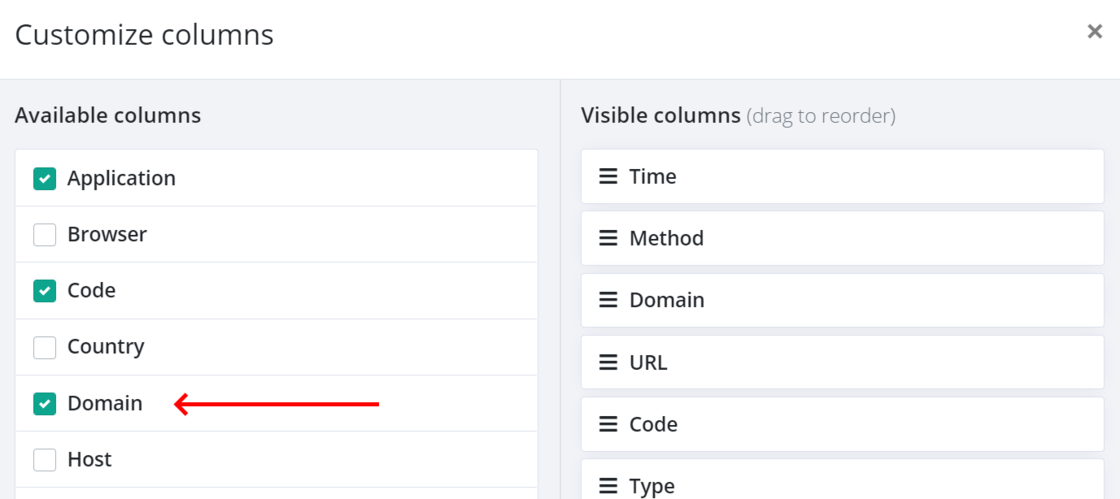
The domain name is now available as a column in the Customize columns dialog. Easily include the domain name on the search result to distinguish log messages from different domains.
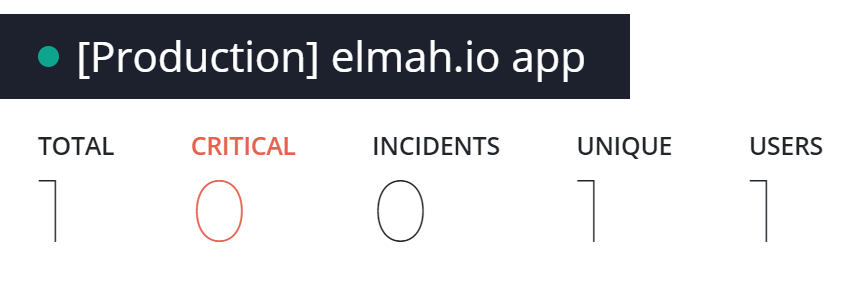
The environment name (if any) has been added before the log name when switching to full-screen mode on the various tabs on the log search page. With this change, you no longer need to include the environment name in the log name.
We have added documentation for setting up elmah.io in Umbraco Uno. Check out Logging to elmah.io from Umbraco for details.
We have added documentation for logging to elmah.io from Vue.js as well as a new Vue.js sample.