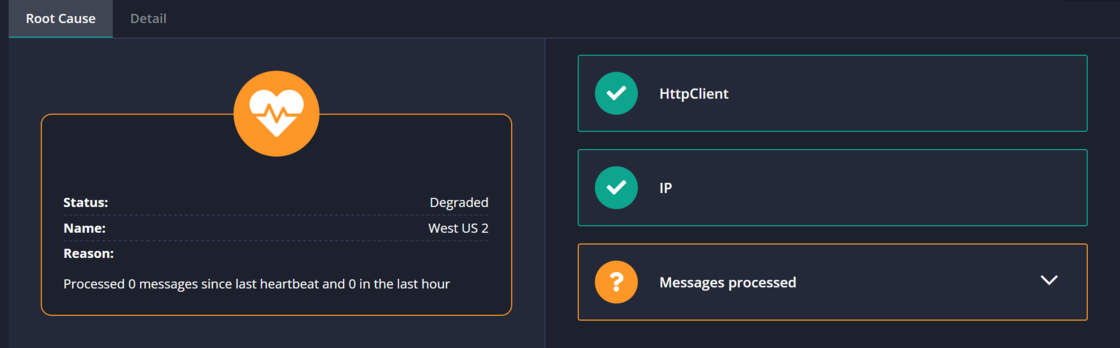
There’s a new Active installs view available on the Log Settings page. The view lists all of the installations currently set up to store messages in this log.
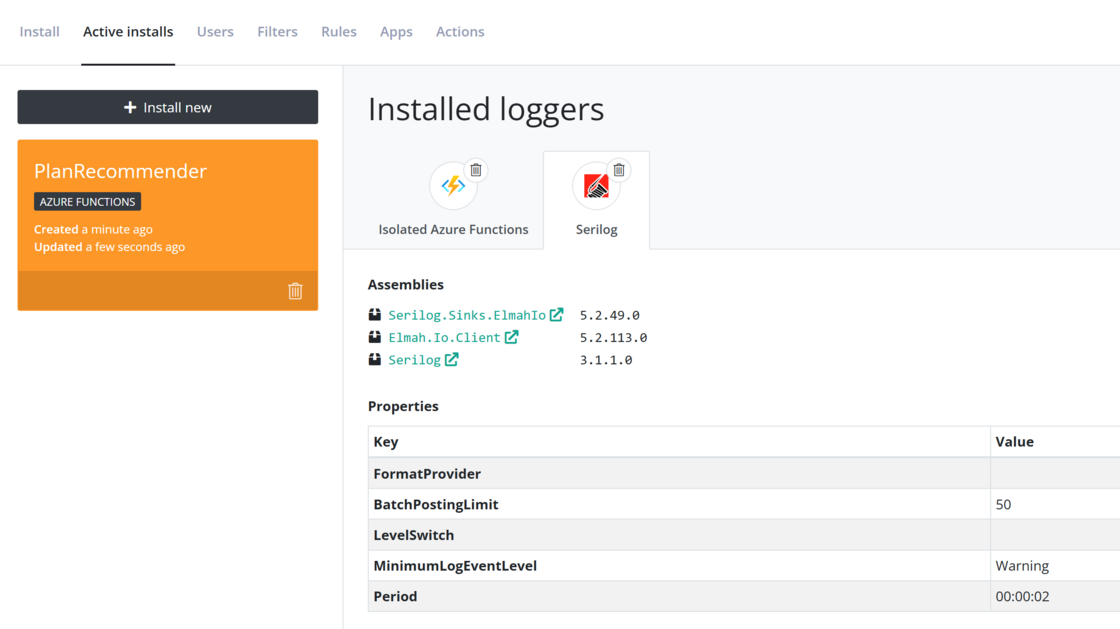
Each installation can have multiple loggers, depending on which of the client integrations you have installed in each of your applications. The logger details view will show useful information about each installed logger like which assemblies and versions are currently installed, alongside properties and config files if available. You can use this new view to get an overview of how logging is set up in your applications.
Registering installations is a new feature in version 5.2.* of the Elmah.Io.Client package that is currently in prerelease. To have installations show up, you can either upgrade to the latest prerelease of the client integrations you have installed (like Elmah.Io.AspNetCore and Serilog.Sinks.ElmahIo) or wait until stable versions are released.