elmah.io changelog

Blogged: Modern authentication in ASP.NET Core with 2FA and passkey

https://blog.elmah.io/modern-authentication-in-asp-net-ore-with-2fa-and-passkey/

Modern authentication in ASP.NET Core with 2FA and passkey

Master modern authentication in ASP.NET Core! Implement 2FA and passwordless passkeys using WebAuthn in this step-by-step developer guide.
New

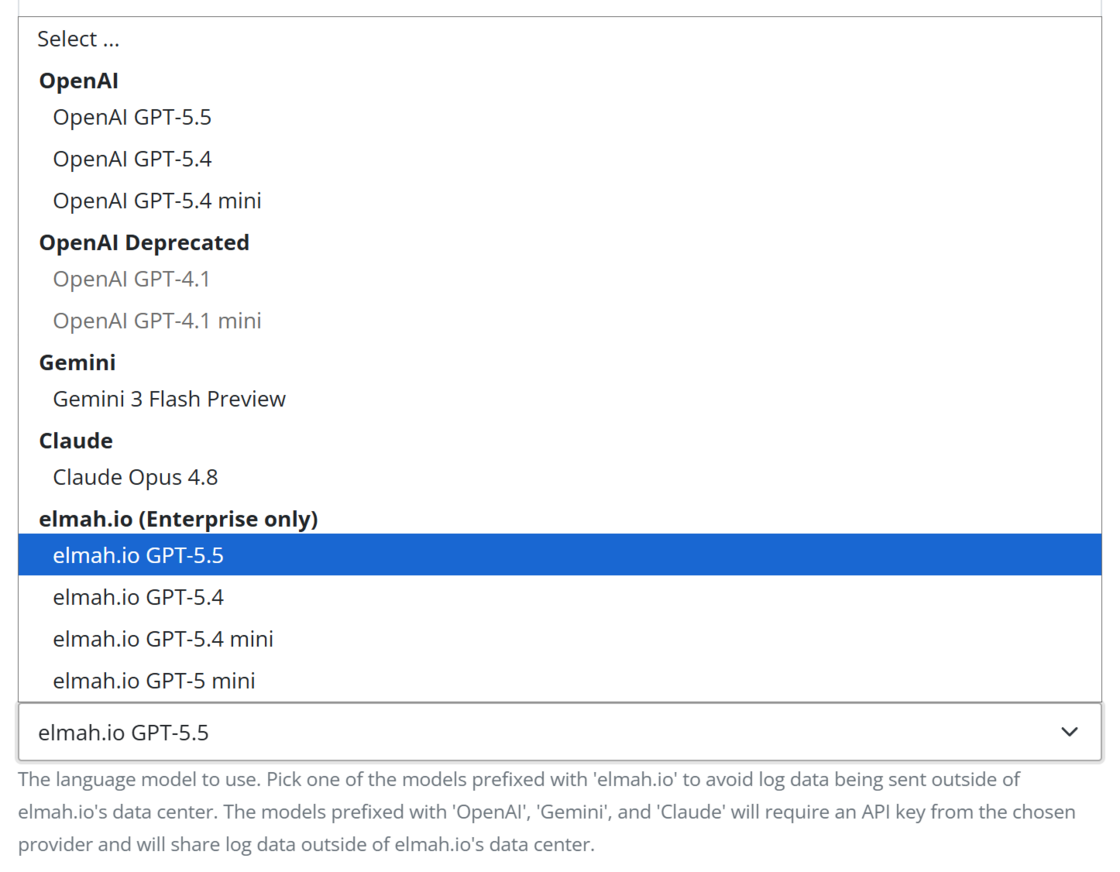
GPT 5.5 available for Bugster

GPT 5.5 is now available for Bugster as both models hosted by OpenAI and us. You will find the configuration for Bugster on the Organization Settings page.

If you are using one of the deprecated models, please upgrade since Bugster won’t be able to answer questions once we remove those models.

GPT 5.5 available for Bugster

New

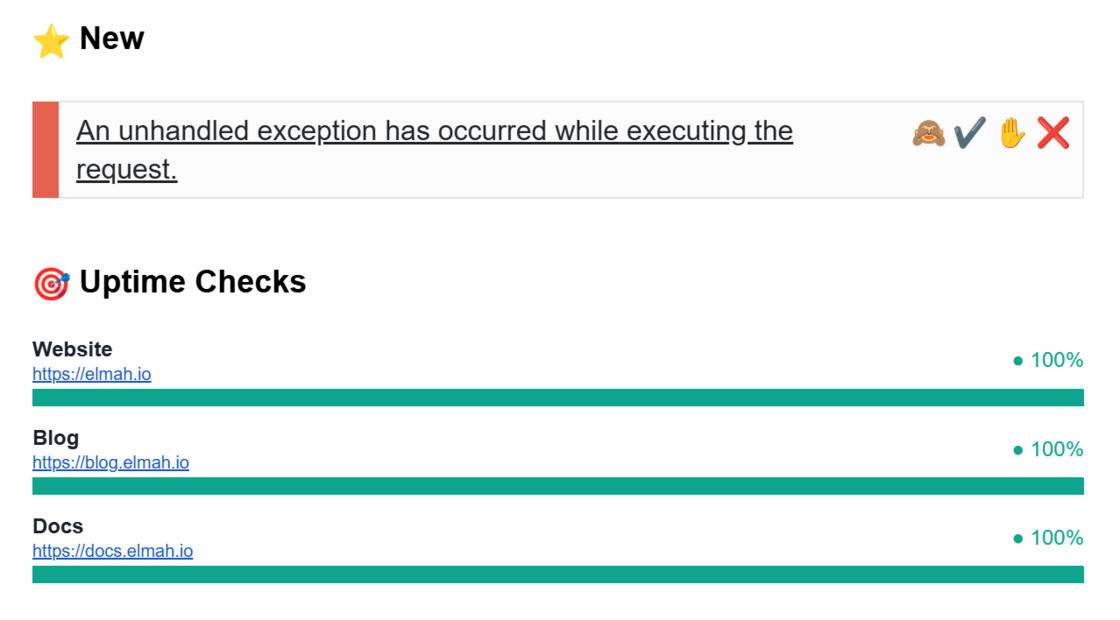
Uptime checks and heartbeats in daily digest email

The daily digest email template for individual logs has been extended to show a summary of uptime checks and heartbeats from the log. With this addition, you will get a quick overview of not only errors happening, but also if a site or service has been down within the last 24 hours.

Uptime checks and heartbeats in daily digest email

New

New recommendation tools on the MCP server

We have added two new tools to the MCP server: recommendations_list and recommendations_get_details. With these tools, your AI client can get recommendations created on either a log or the organization from elmah.io. Recommendations include issues created by the toggles on uptime checks (SSL expiration, etc.), available client updates, and much more not captured as log messages.

New recommendation tools on the MCP server

Improvement

Favicons on uptime checks

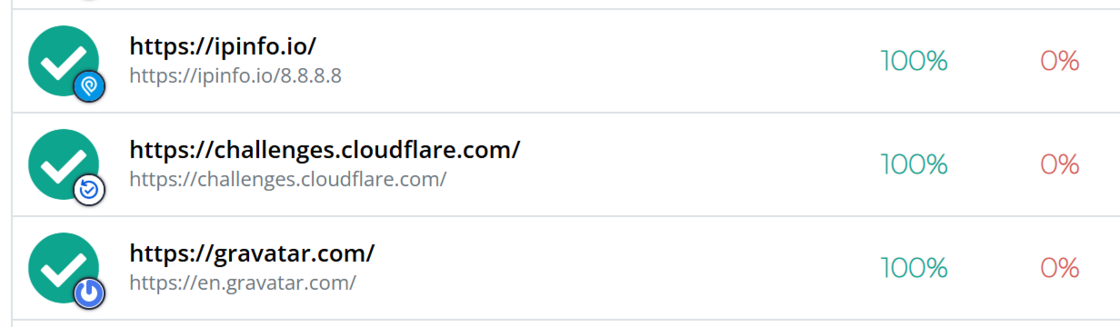
Each uptime check now shows the domain Favicon (if available). This makes it easier to distinguish between URLs when monitoring multiple domains:

Favicons on uptime checks

New

AI plugin for Cursor, Claude Code, and other clients

elmah.io now has an AI plugin that connects MCP-compatible editors like Cursor and Claude Code directly to your logs. Debug production errors, verify deployments, and check uptime status without leaving your editor, using built-in skills and a deployment watchdog agent that flags regressions for 30 minutes after each release.

Check out how to install it here: https://docs.elmah.io/elmah-io-ai-plugin/

Improvement

Get message tool on MCP can now return headers, data, etc.

The messages_get tool on the MCP server now supports returning extended data like server variables, cookies, data, and more. The data is returned by either specifying All or by adding one or more include filters. Your AI should be able to figure out when and how to include this automatically.

Get message tool on MCP can now return headers, data, etc.

Improvement

Exception Inspector supports more sources for inline documentation

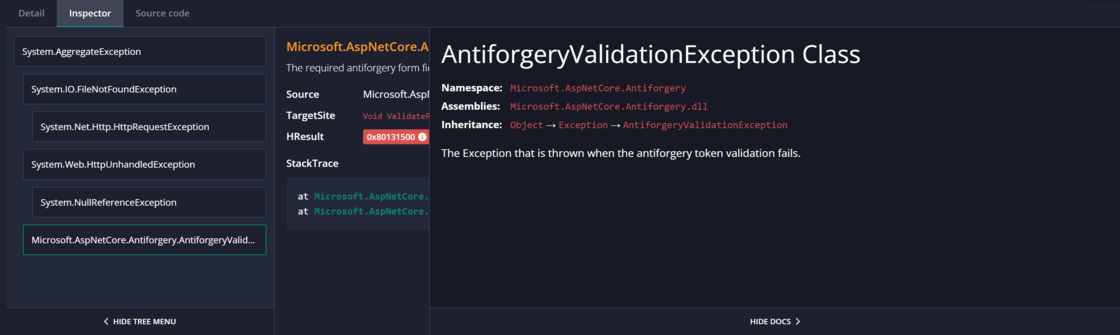
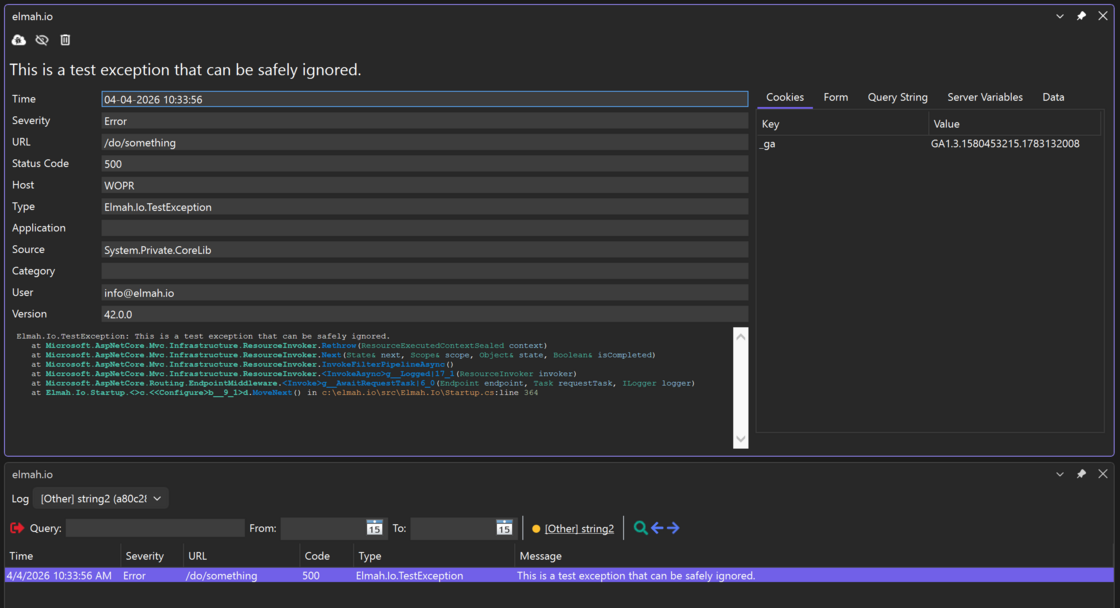
We have included more sources for generating inline exception documentation in the Exception Inspector. This means that more namespaces (like Microsoft.AspNetCore.* and System.Web.*) now also show the embedded documentation when clicking the Show docs button:

Exception Inspector supports more sources for inline documentation

New

Matching message count on create/update rule

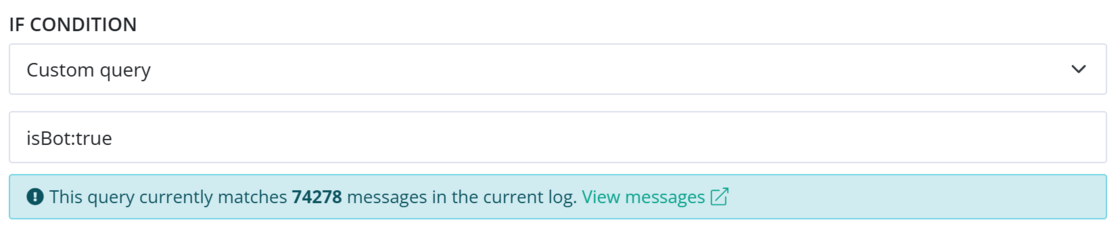
Create and edit rule now shows how many log messages are currently matching the used query. This can help write the correct query when created directly from the Log Settings page. The message also shows if an invalid query is used.

Matching message count on create/update rule

Improvement

Last seen on heartbeats

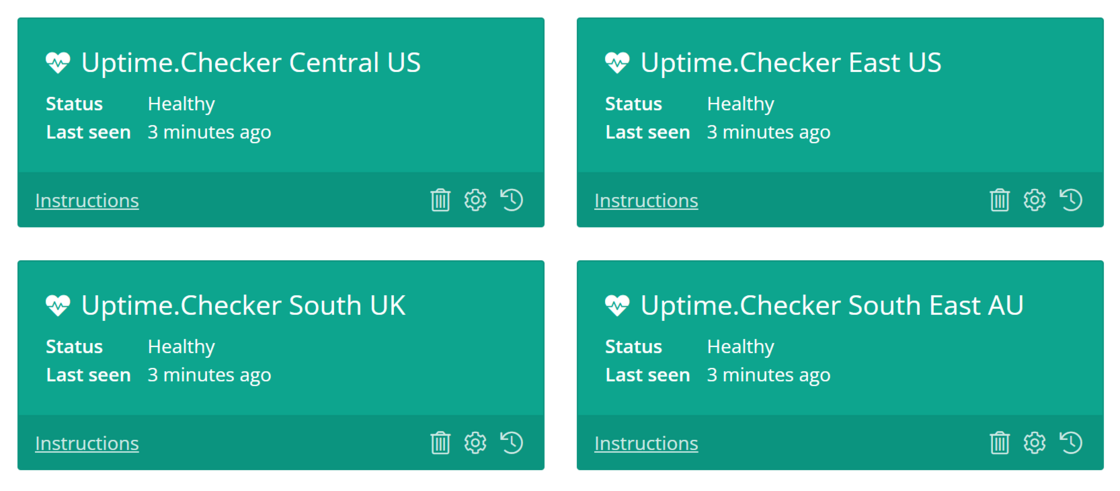
The Heartbeats tab now shows Last seen directly on each heartbeat. This way, you can get a quick overview of the current status, instead of having to click the History icon for each heartbeat:

Last seen on heartbeats

New

elmah.io for Visual Studio 3.5.37

There’s a new version of the elmah.io Visual Studio extension in the Marketplace: https://marketplace.visualstudio.com/items?itemName=elmahio.elmahiobrowser2022.

The new version includes the following changes:

elmah.io for Visual Studio 3.5.37

Improvement

Clickable distribution chart

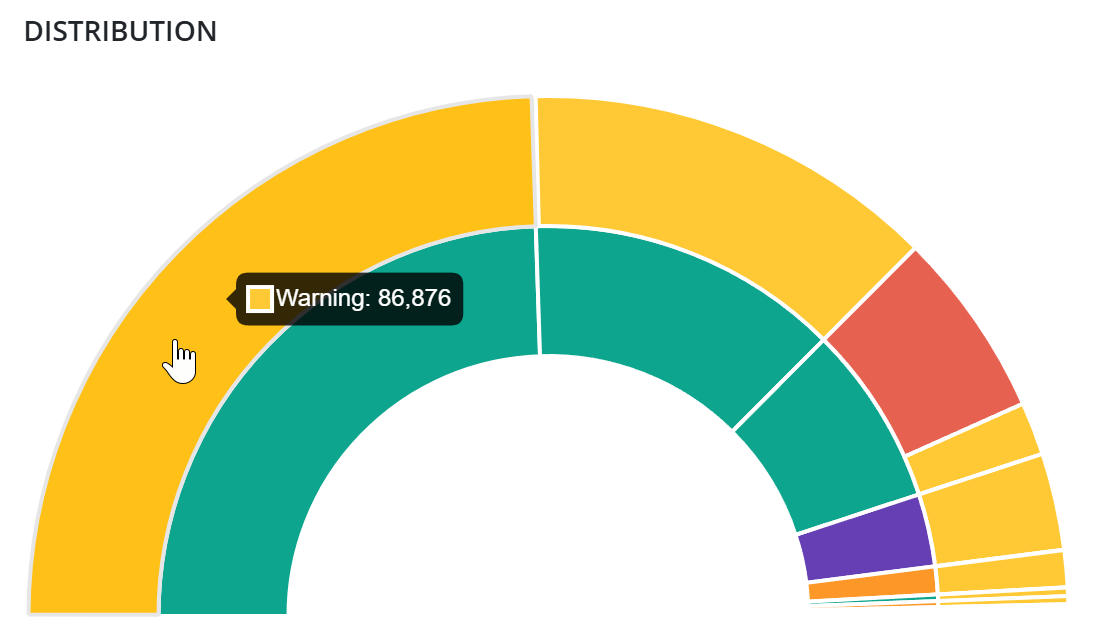
The Distribution chart on the Organization Overview page is now clickable. This way, you can jump directly to the search result on a specific log. Click a severity color to filter log messages by a severity:

Clickable distrubtion chart

New

Exception Visualizer 0.2.56

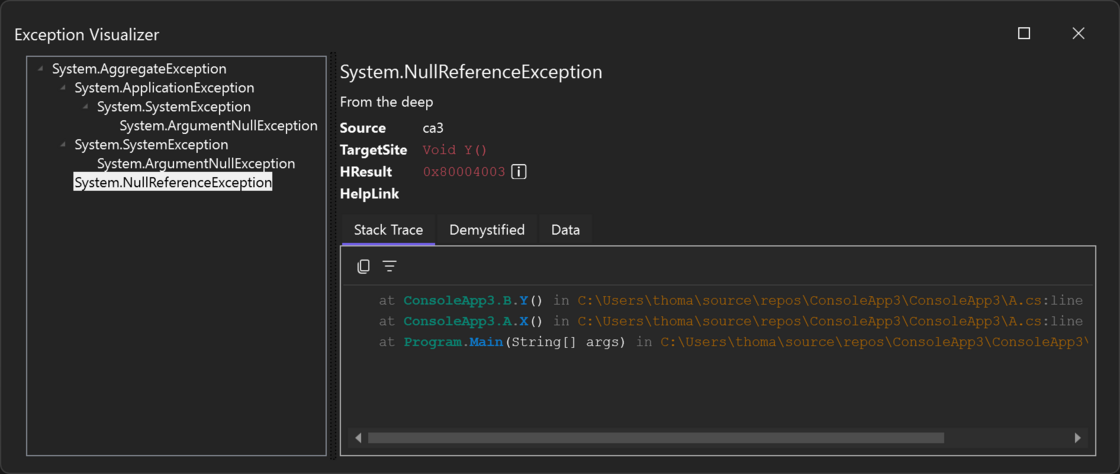
There’s a new version of Exception Visualizer in the Marketplace: https://marketplace.visualstudio.com/items?itemName=elmahio.exceptioninspector. Exception Visualizer is our free extension for Visual Studio that brings an elmah.io-ish look and feel to exceptions while debugging.

The new version includes:

Exception Visualizer 0.2.56

New

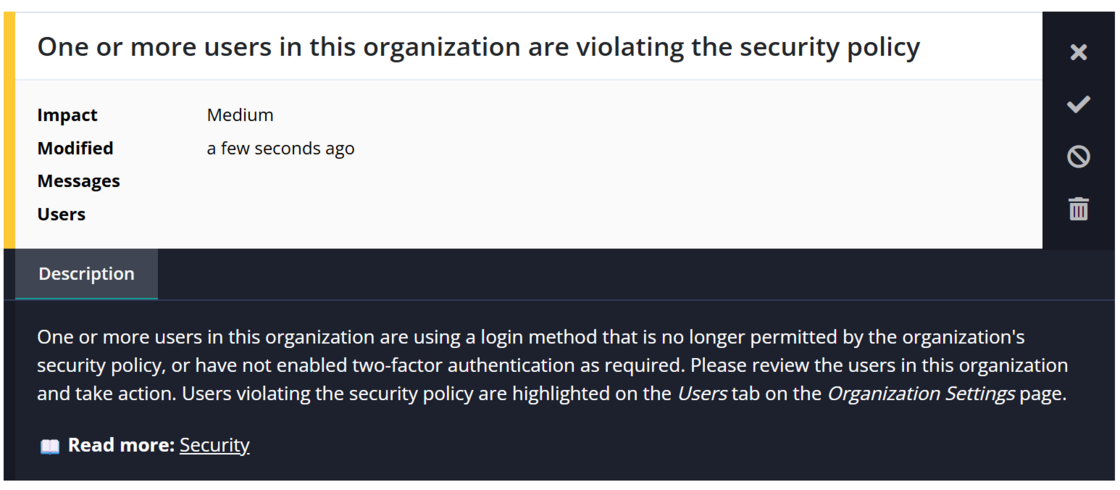
New recommendations when an organization contains insecure users

There’s a new recommendation created on the organization level, created when the organization contains insecure users. An insecure user is someone who uses an unallowed social provider or is missing 2FA. Both can be configured on the Security pop-up on the Users tab on the Organization Settings page.

New recommendations when an organization contains insecure users

Blogged: Simplifying file logging in ASP.NET Core with Serilog

https://blog.elmah.io/simplifying-file-logging-in-asp-net-core-with-serilog/

Simplifying file logging in ASP.NET Core with Serilog

Learn how to implement structured file logging in ASP.NET Core with Serilog. Step-by-step guide covering rolling logs and appsettings config.

June newsletter

We published a new issue of the elmah.io Newsletter: https://mailchi.mp/elmah/designing-high-throughput-apis-16564491

Newsletter

If you want to receive an email every 2-3 months with all of the recent goodies on elmah.io, make sure to subscribe here: http://eepurl.com/dE1hCn

Blogged: EF Core at scale: 5 ways to retrieve large datasets efficiently

https://blog.elmah.io/ef-core-at-scale-5-ways-to-retrieve-large-datasets-efficiently/

EF Core at scale: 5 ways to retrieve large datasets efficiently

Discover 5 advanced EF Core extension methods to efficiently fetch and filter large datasets, completely bypassing the 2,100 parameter limit.

New

Support for more browsers

We have added support for more browsers throughout the UI:

Support for more browsers

New

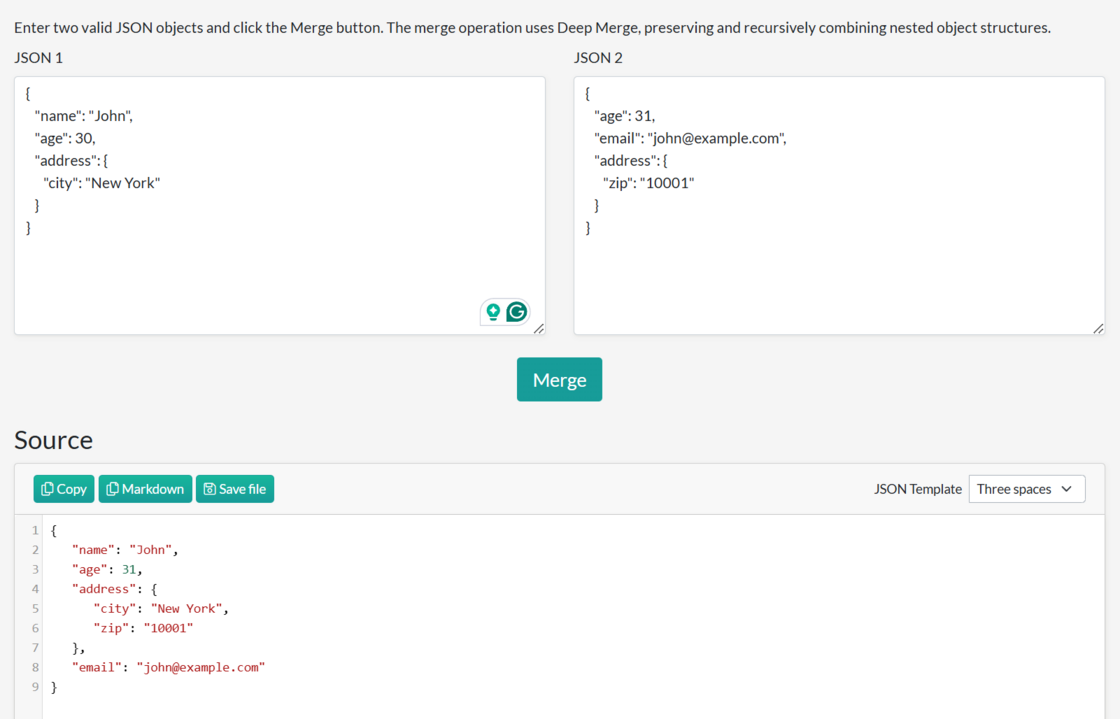
New tool: JSON Merger

We needed a tool able to merge two JSON files, so we built one for you to use as well. The issue with many existing tools is that they perform the merge on the backend and therefore share sensitive data embedded in the JSON with the tool’s provider. Our JSON Merger runs everything in the browser.

Use it for free at: JSON Merger

New tool: JSON Merger

New

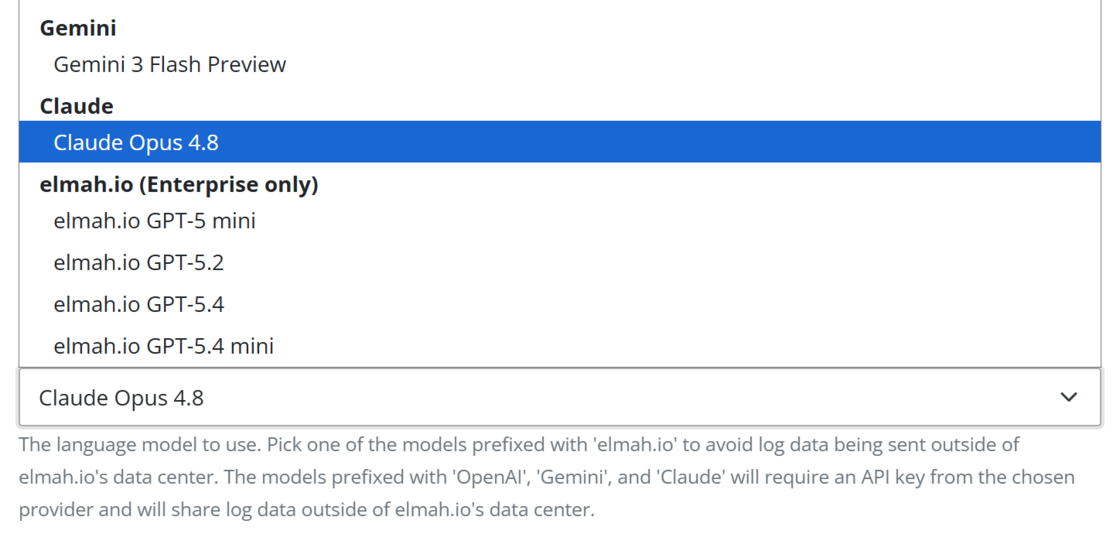
New Bugster model: Claude Opus 4.8

We have added Claude Opus 4.8 as a possible model in Bugster’s configuration. With this option, you can use Claude as the engine for Bugster. When using Claude, you will need to input an API key from Claude.

New Bugster model: Claude Opus 4.8