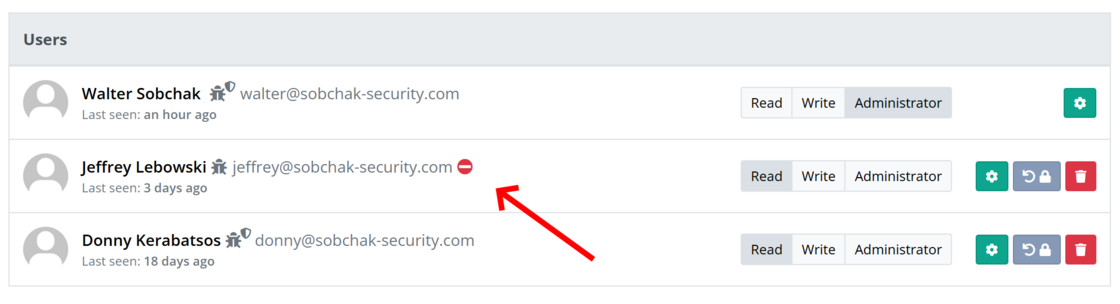
Unauthorized users are marked on the users list
A new icon has been added to the Users list on the Organization Settings page, indicating when a user is part of the organization but does not have access. This can happen if you have set up custom security by clicking the Security button, and the user doesn’t meet those requirements.
Example: 2FA is required, but a user without 2FA configured on their account has been added to the organization: