Logger and Exception Visualizer extensions for Visual Studio
As you may know, we have built various free tools, from online services to extensions for popular development tools. A new extension for Visual Studio just landed and since the previous one was never announced, let’s go through both tools in this changelog. Both extensions are Debugger Visualizers for Visual Studio. A Debugger Visualizer will help you inspect objects when debugging .NET applications inside of VS.
Logger Visualizer
If you are using Microsoft.Extensions.Logging, the Logger Visualizer is a great way to inspect the current logging configuration in a more pleasing way than looking through JSON.
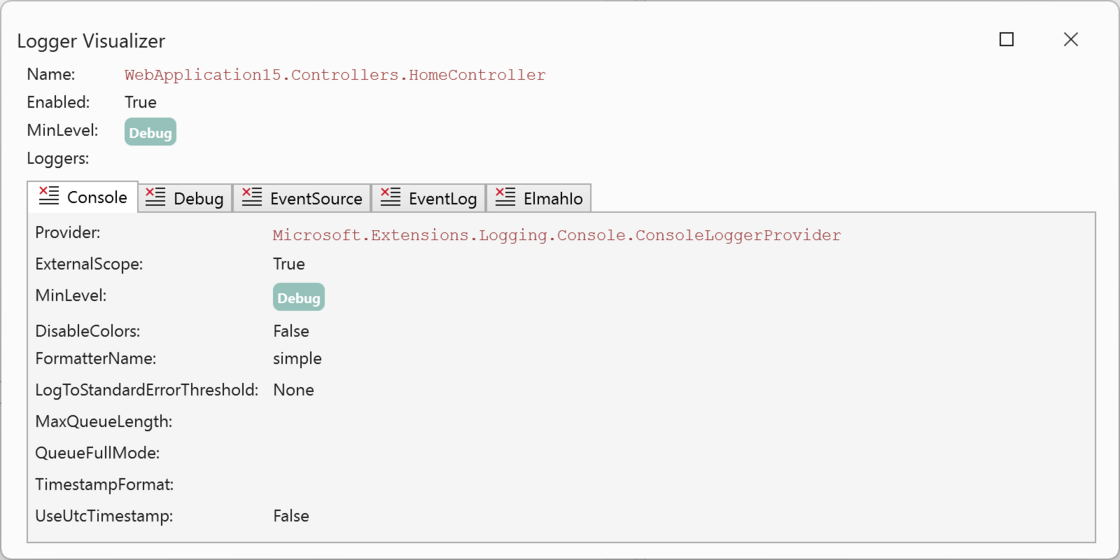
As an elmah.io user, there’s an extra benefit in using the extension. When the Elmah.Io.Extensions.Logging logger is configured, a special tab will show up:
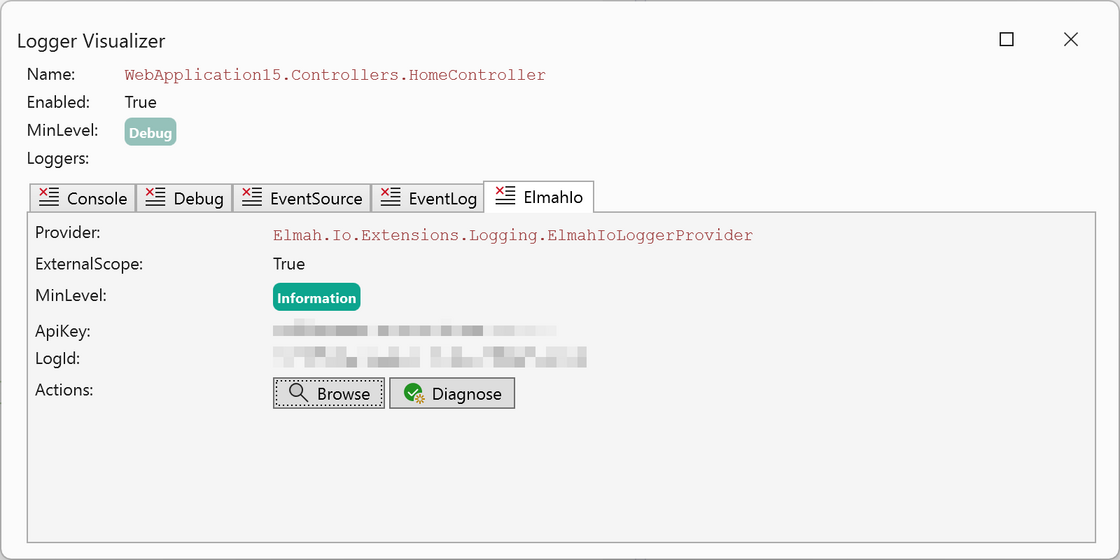
Logger Visualizer is available through the Visual Studio Marketplace: https://marketplace.visualstudio.com/items?itemName=elmahio.loggervisualizer
Exception Visualizer
Getting a good overview of an exception through Visual Studio’s built-in visualizer can be tricky. Especially when dealing with inner and aggregate exceptions. With Exception Visualizer, viewing an exception while debugging will give you a much better overview:
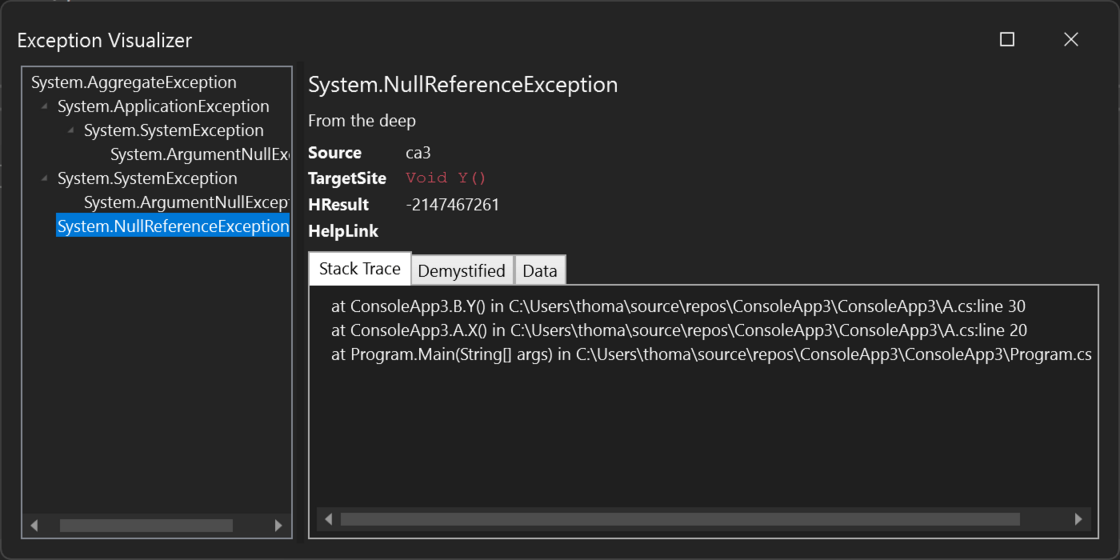
Exception Visualizer is available through the Visual Studio Marketplace: https://marketplace.visualstudio.com/items?itemName=elmahio.exceptioninspector