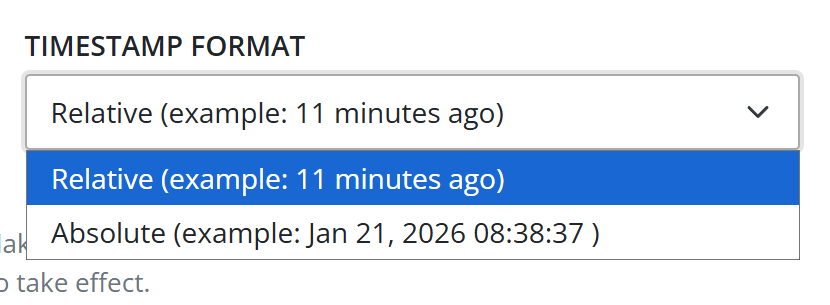
Configurable timestamp format
There’s a new Timestamp Format setting on your profile. Using this dropdown, you can control how timestamps are formatted within the elmah.io UI. Relative is the default choice, corresponding to how the UI has been displayed in the past. But if you select Absolute, the full timestamp is shown instead.
Part of this change also means the removal of the Show full time toggle on the Columns configuration dialog. If you had this toggle enabled, you will need to go to your profile and select Absolute to get timestamps displayed in the same way on the log search page.